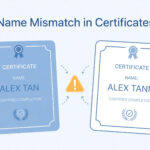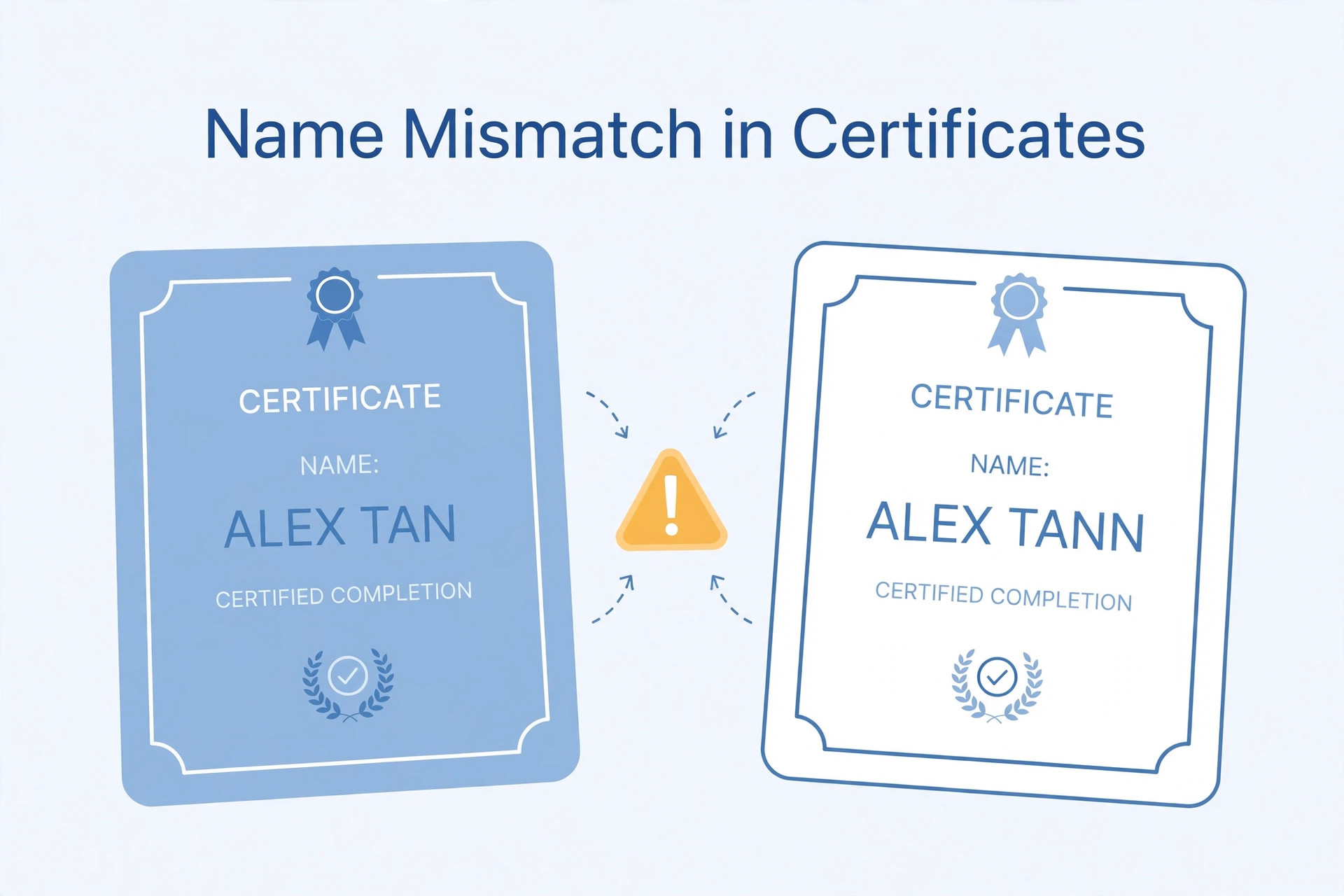
A name mismatch across certificates can create uncertainty when applying for a government job. An applicant may have one spelling on a school marksheet, a slightly different spelling on an identity document or a changed surname on a category certificate. Even a small difference can raise questions during document verification.
Not every spelling difference has the same legal or administrative effect. The rules depend on the recruitment authority, the document type and the nature of the mismatch. Applicants should not assume that a mismatch will always lead to rejection, but they should not ignore it either. This guide explains what to check before submitting an application.
Identify exactly where the mismatch appears
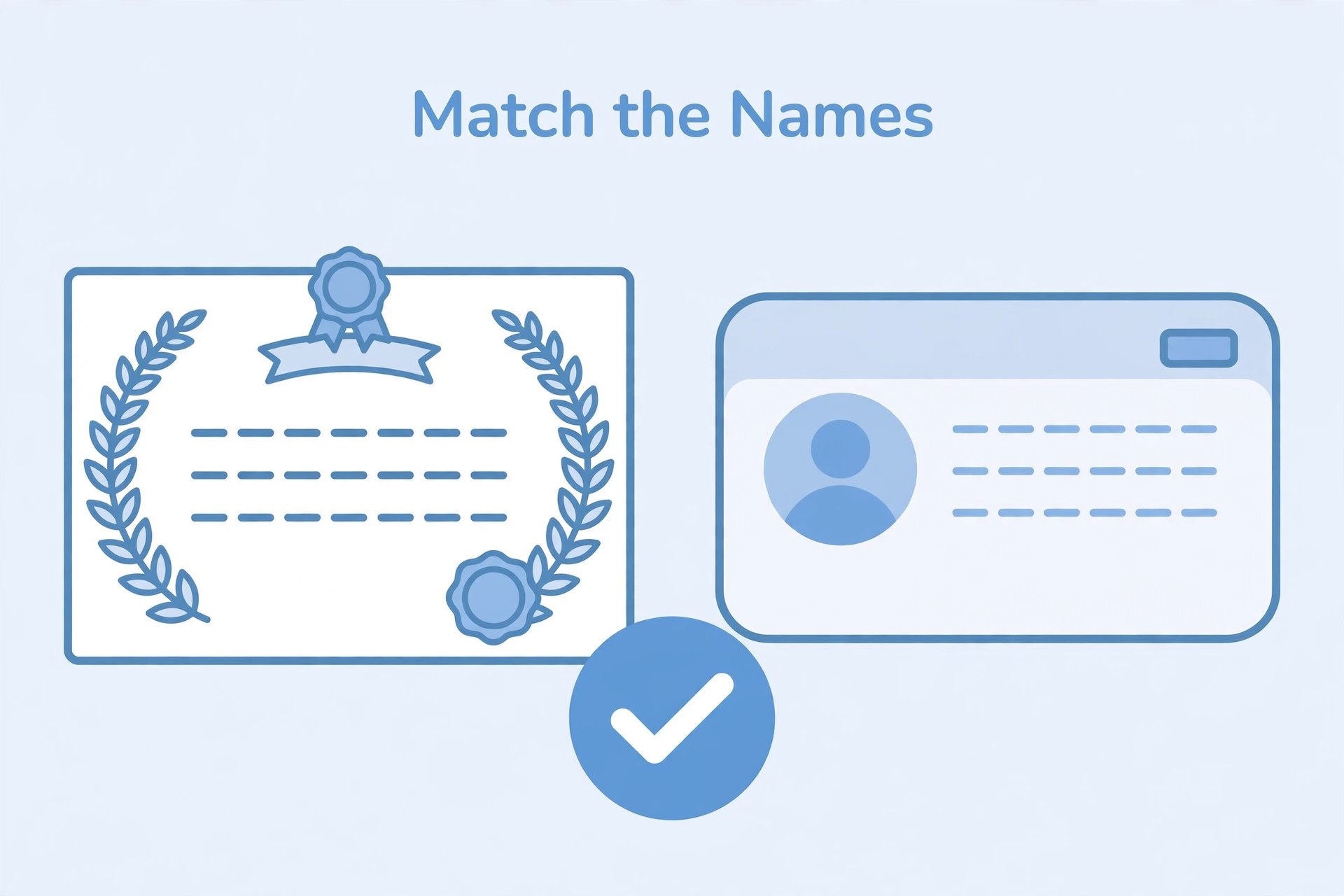
Collect the documents that may be required for the recruitment process. Compare the name on your application, identity proof, educational certificates, category certificate and other relevant records.
Look for differences in spelling, initials, surname order, spaces, abbreviations and transliteration. A short form on one document may not be the same as a completely different name. Note every difference clearly instead of trying to correct files informally.
Check the recruitment notification
Read the official notification for instructions about name details and document verification. Some recruitment authorities explain what to do when a candidate's name has changed or when certificates contain a spelling difference. Others may refer applicants to a prescribed declaration or supporting document.
Do not rely on a general online statement about name mismatch. Requirements can differ between recruitment authorities and document types. If the notice does not explain your situation, contact the official helpdesk before the application deadline.
Understand common types of mismatch
A minor spelling difference may occur because of a typing error or transliteration between languages. Initials may appear in a different order. A surname may be added or removed after marriage or another legal name change. The date of birth or parent's name may also differ, creating a separate verification issue.
Each case should be examined on its own. Do not assume that a document with a similar name automatically proves that two records belong to the same person. The authority may require supporting evidence.
Do not edit an official certificate yourself
Never alter a scanned certificate to make its name match another document. Editing the text, replacing a name or changing a date can make the document appear tampered with. Upload the genuine document and follow the official correction or declaration process.
If the certificate itself contains an error, contact the issuing board, university or department to understand its correction procedure. Keep acknowledgement receipts and official communication.
Check whether a legal name change is involved
If your name has been legally changed, identify the documents that support the change. The recruitment authority may specify what evidence it accepts, such as an official certificate, gazette notification or other prescribed record. Do not assume that every authority accepts the same proof.
Read the current instructions and prepare the supporting documents requested. If the application form asks for a previous name or other details, answer accurately.
Check the application form before final submission
Enter your name exactly as the recruitment instructions require. Some forms ask for the name as it appears on a particular certificate. Others may use a different identity record. Follow the field instructions rather than choosing whichever spelling seems more convenient.
Before final submission, compare the typed details with the source document. Check spaces, initials and spelling. A small typing error can create a mismatch even when the original certificates are consistent.
What if the mismatch is discovered after submission?
Check whether the portal provides a correction window and whether name fields can be edited. Some recruitment processes allow limited corrections, while others restrict changes. Read the official correction notice and note the deadline.
If the form has already been submitted and no correction option is available, contact the recruitment authority through its official support channel. Explain the difference clearly and ask what supporting document is required. Keep a record of the communication.
Prepare for document verification
Keep original documents and the supporting records requested by the authority. Arrange them in a clear order. If a name change or spelling correction is involved, keep the relevant official proof with the certificates.
Do not create a self-made explanation and assume it will be accepted. Use the declaration format or procedure specified by the recruitment authority. If the authority asks for an affidavit or other document, follow its exact instructions.
Common mistakes
Applicants sometimes edit scanned certificates, upload only one document and ignore the mismatch, or rely on advice from an unrelated recruitment process. Others wait until document verification to investigate a known spelling error.
Avoid these mistakes by comparing documents early and asking the issuing authority about corrections when needed. Keep the recruitment authority's instructions as the main reference.
Frequently asked questions
Will a spelling mistake in a certificate cause rejection?
The outcome depends on the recruitment rules, the nature of the error and the supporting evidence. Check the official instructions rather than assuming a result.
Can I correct the name on a scanned PDF myself?
No. Do not alter an official certificate. Contact the issuing authority and follow its correction process.
Is an affidavit always required?
Not necessarily. The required proof varies. Use only the documents specified or accepted by the recruitment authority.
What if my surname changed after marriage?
Check the recruitment notice for name-change documentation requirements and prepare the official supporting records.
Should I apply before correcting the certificate?
That depends on the application deadline and recruitment rules. Seek guidance from the issuing authority and recruitment helpdesk as early as possible.
Final guidance
Compare your documents before applying, identify every mismatch and read the recruitment authority's instructions. Never edit an official certificate yourself. If a correction or supporting declaration is needed, follow the official process and keep the records safely.
Additional practical considerations for certificate name mismatch
A useful way to avoid confusion is to treat certificate name mismatch as a separate task instead of mixing it with every other part of the application. First identify what the authority is asking for, then prepare the relevant file or information, and finally compare the result with the official instructions. This order matters because editing a file before checking the rules can create extra work. It may also lead to a version that looks correct but does not satisfy the upload field.
For example, imagine that you have prepared the application name compared with original certificates. Before submitting it, pause and review spelling, initials, surname order and supporting proof. Check whether the information is complete, whether the image or document opens correctly and whether the file still looks clear after the final export. If the portal shows a preview, compare that preview with the saved file. A preview can reveal an incorrect crop, a wrong upload field or a file that has not been processed as expected.
It is also useful to keep a small record of what you have checked. Write down the name of the recruitment, the date you reviewed the notification and the technical requirements that apply to this upload. If the authority later publishes a correction or revised instruction, check whether it changes anything. This is especially important when you apply for more than one post or when a recruitment process remains open for several weeks. Do not rely on a screenshot saved from an earlier application cycle.
When something goes wrong, avoid changing several things at once. Read the error message, identify the property it refers to and make one correction. For example, if the message concerns the file type, verify the actual format before changing dimensions. If it concerns readability, inspect the original capture before compressing it again. A step-by-step approach makes it easier to understand the cause and prevents unnecessary changes to a correct file.
Before you finish, ask yourself these questions: Does the file belong to the correct applicant? Is it the document or image requested in this field? Are all important details visible? Does it follow the current notice? Have you checked the final saved version rather than an earlier draft? These checks are simple, but they are useful because upload mistakes often happen when applicants are in a hurry.
If the instructions appear inconsistent, do not choose whichever value seems easier. Check for a later official notice, a corrigendum, an application help page or a clarification from the recruiting authority. Keep the response or reference number if you contact support. An unofficial blog or social media post can help you understand a topic, but it should not override an official recruitment instruction.
Finally, keep your original records safely. Save the unedited scan or source file separately from the version prepared for upload. This gives you a clean starting point if a correction is required or another portal asks for a different format. Use clear filenames and avoid sharing personal documents through public links. A careful file-management routine makes the application process more organised and reduces the chance of selecting an outdated version.