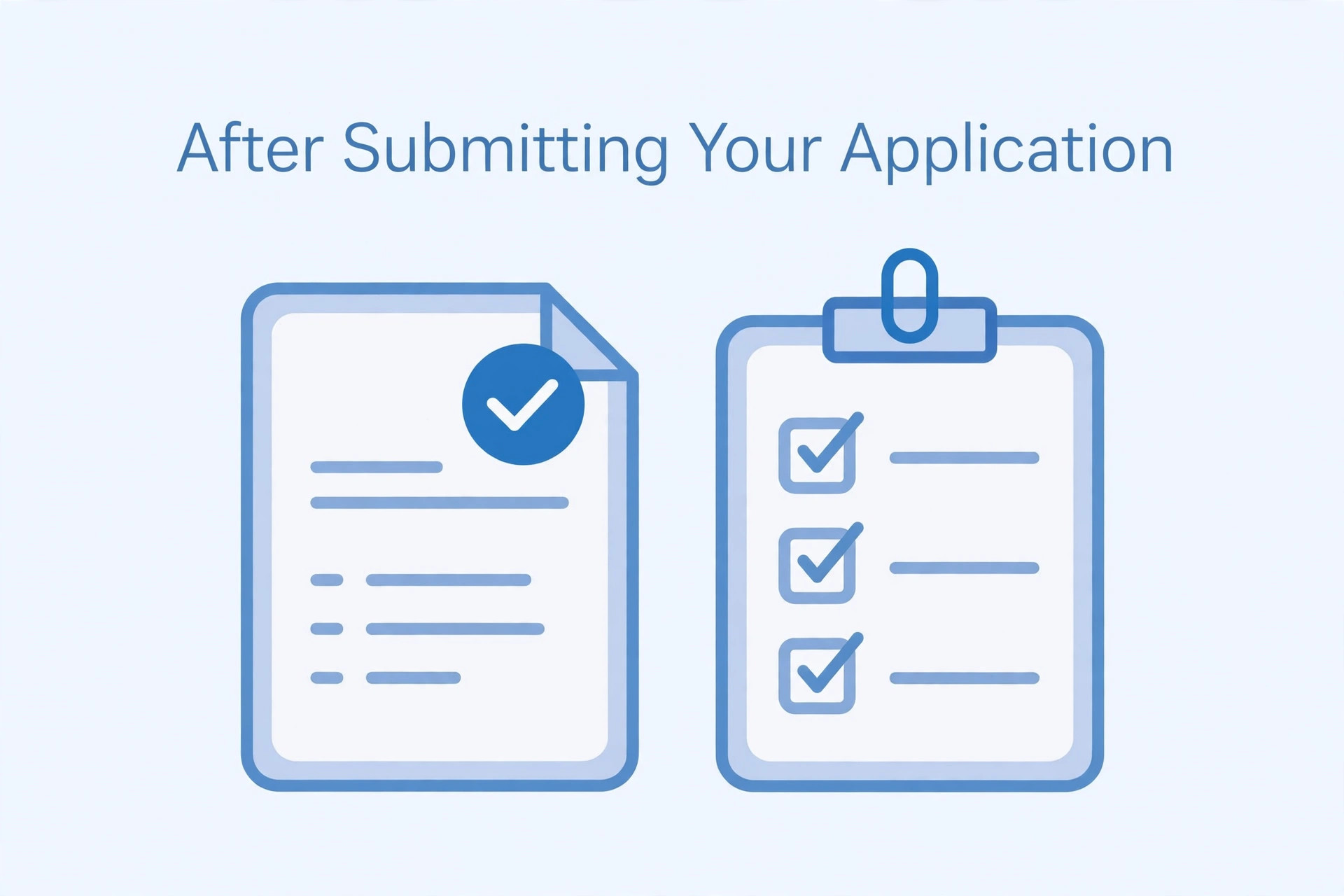
Submitting a government job application does not mean that every task is finished. Candidates should check whether the form was successfully submitted, confirm the payment status if a fee was required, save the application copy and keep the supporting documents ready. It is also important to monitor official updates about correction windows, examination dates and admit cards.
Many applicants close the browser immediately after clicking the submit button. Later, they may discover that the payment was pending, the application confirmation was not saved or an uploaded file was incorrect. A simple post-submission routine can help prevent these problems.
Confirm that the application was submitted
After final submission, look for a confirmation message or application status on the official portal. Some systems generate an application number or registration reference. Save it safely.
Do not assume that clicking the final button always completes the process. Follow any additional confirmation step shown on the screen. If the portal returns to the dashboard, check the application status rather than relying only on the button response.
Save the submitted application form
Download or print the final application form if the portal provides that option. Save a digital copy in a folder for the specific recruitment. The form may contain your personal details, post selection and uploaded information.
Use a clear filename that includes the examination name and year. Keep a backup in a secure location. Avoid sharing the application publicly because it may contain personal information.
Check payment status
If an application fee is required, verify the payment status on the official portal. A bank message or debit alert alone may not prove that the recruitment system has updated the application. Check whether the portal shows successful payment or a completed application.
If money was deducted but the application still shows pending, read the official payment instructions. Some systems explain how failed or delayed transactions are handled. Keep the transaction reference and contact the official helpdesk if the status does not update within the stated period.
Review uploaded documents
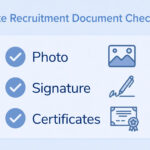
Open the saved application or upload preview if the portal allows it. Check that the photograph, signature and supporting documents appear in the correct fields. Make sure no file is missing or visibly distorted.
If you notice a mistake, check the correction rules immediately. Some authorities provide a correction window, while others restrict changes after final submission. Do not assume that you can replace a file later.
Track correction windows
Read the notification for correction dates and permitted changes. A correction window may allow some details to be edited, but it may not allow every field to be changed. There may also be a correction fee.
Mark the dates in your calendar. If you need to make a correction, use only the official portal and follow the stated process. Save the revised confirmation after the correction is complete.
Keep original documents ready
Organise the original certificates and identity records that may be required during later stages. These can include educational certificates, category documents, domicile records, experience proofs or other documents depending on the post.
Check the recruitment notification for the exact list. Do not assume that every document uploaded during the application will be the only document required at verification.
Monitor official updates
Check the recruiting authority's official website for updates about examination dates, admit cards, city information, answer keys and results. Use the official recruitment page rather than relying entirely on forwarded messages.
If the authority provides an email or SMS alert, keep your contact details active. However, verify important updates on the official website before taking action.
Download the admit card when available
When the admit card is released, download it from the official portal. Check your name, roll number, photograph, examination date, reporting time and centre details. If any detail appears incorrect, follow the authority's instructions for reporting the issue.
Read the admit card carefully because it may include instructions about permitted items, identity proof and reporting time. Do not wait until the day before the examination to review it.
Keep login details secure
Store your registration number, application password and other login information securely. Do not share them in public groups or with unknown people who claim they can change your application or guarantee selection.
Use the official password recovery process if you lose access. Be cautious of messages asking for payment or personal details outside the official portal.
Avoid common post-submission mistakes
Some candidates delete the application PDF, ignore payment status or miss the correction window. Others rely on unofficial exam-date messages and overlook the official admit card. Another mistake is assuming that successful submission means the candidate has been found eligible.
An application submission confirms that the form was received by the portal. Eligibility and document verification may still take place later under the recruitment rules.
Frequently asked questions
Is an application number proof of final submission?
It is an important reference, but check the portal's application status and confirmation page to make sure the process is complete.
What if the fee is deducted but the portal shows pending?
Follow the official payment instructions, retain the transaction reference and contact the helpdesk if the status does not resolve.
Can I edit my application after submission?
Only if the recruitment authority provides a correction facility and permits changes to the relevant fields.
Should I keep the uploaded photo and signature?
Yes. Keep the original and final upload files securely until the recruitment process is complete.
Does successful submission mean I am eligible?
Not necessarily. The authority may verify eligibility and documents according to the recruitment rules.
Final guidance
After submitting a government job application, confirm the status, save the form, verify payment and organise your documents. Monitor official updates and use the correction window only as permitted. Keeping clear records makes it easier to manage the next stages of the recruitment process.
Additional practical considerations for post-submission checks
A useful way to avoid confusion is to treat post-submission checks as a separate task instead of mixing it with every other part of the application. First identify what the authority is asking for, then prepare the relevant file or information, and finally compare the result with the official instructions. This order matters because editing a file before checking the rules can create extra work. It may also lead to a version that looks correct but does not satisfy the upload field.
For example, imagine that you have prepared the application dashboard after final submission. Before submitting it, pause and review application status, payment, correction window and saved confirmation. Check whether the information is complete, whether the image or document opens correctly and whether the file still looks clear after the final export. If the portal shows a preview, compare that preview with the saved file. A preview can reveal an incorrect crop, a wrong upload field or a file that has not been processed as expected.
It is also useful to keep a small record of what you have checked. Write down the name of the recruitment, the date you reviewed the notification and the technical requirements that apply to this upload. If the authority later publishes a correction or revised instruction, check whether it changes anything. This is especially important when you apply for more than one post or when a recruitment process remains open for several weeks. Do not rely on a screenshot saved from an earlier application cycle.
When something goes wrong, avoid changing several things at once. Read the error message, identify the property it refers to and make one correction. For example, if the message concerns the file type, verify the actual format before changing dimensions. If it concerns readability, inspect the original capture before compressing it again. A step-by-step approach makes it easier to understand the cause and prevents unnecessary changes to a correct file.
Before you finish, ask yourself these questions: Does the file belong to the correct applicant? Is it the document or image requested in this field? Are all important details visible? Does it follow the current notice? Have you checked the final saved version rather than an earlier draft? These checks are simple, but they are useful because upload mistakes often happen when applicants are in a hurry.
If the instructions appear inconsistent, do not choose whichever value seems easier. Check for a later official notice, a corrigendum, an application help page or a clarification from the recruiting authority. Keep the response or reference number if you contact support. An unofficial blog or social media post can help you understand a topic, but it should not override an official recruitment instruction.
Finally, keep your original records safely. Save the unedited scan or source file separately from the version prepared for upload. This gives you a clean starting point if a correction is required or another portal asks for a different format. Use clear filenames and avoid sharing personal documents through public links. A careful file-management routine makes the application process more organised and reduces the chance of selecting an outdated version.