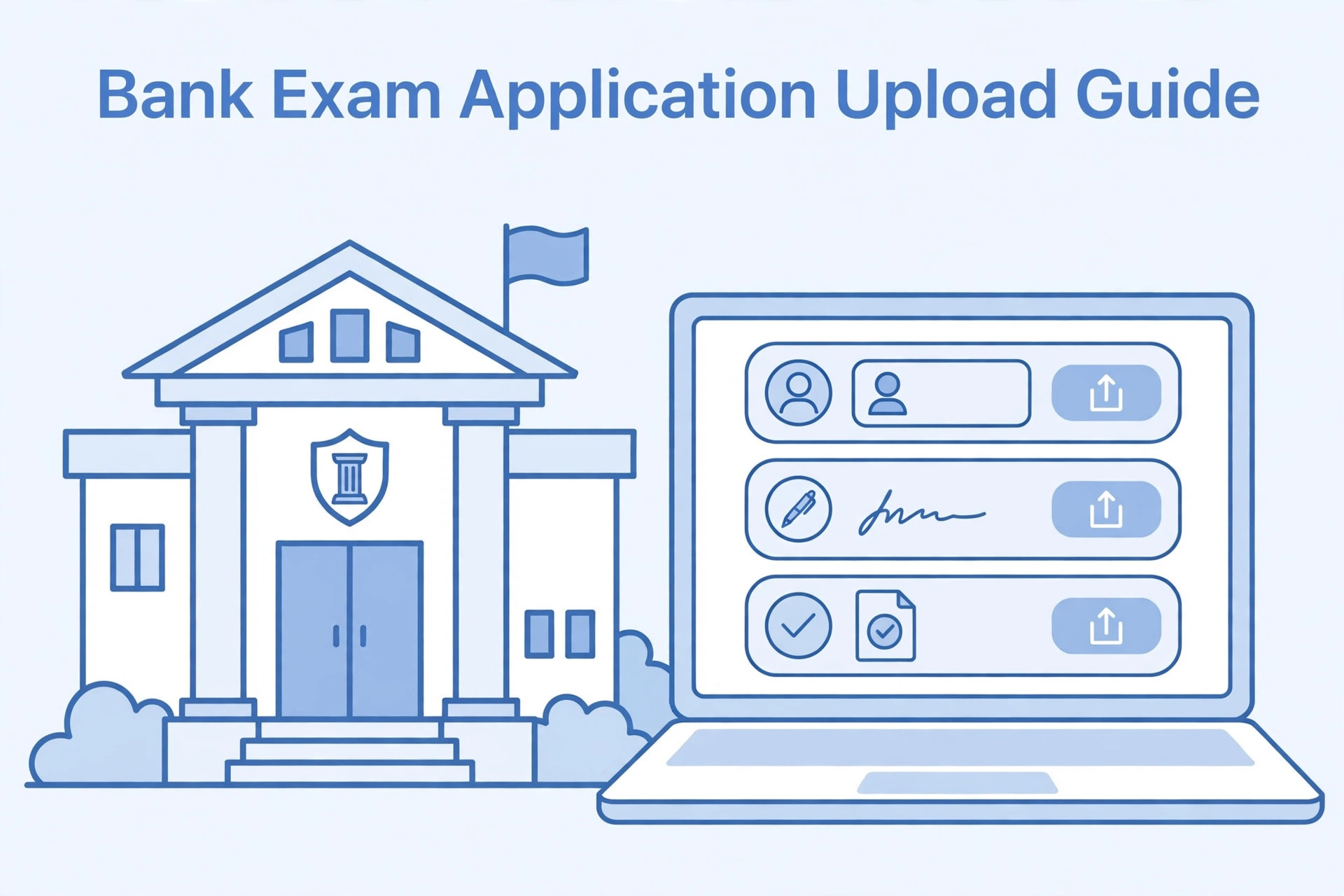
Bank recruitment applications may ask candidates to upload several items, including a photograph, signature, thumb impression and handwritten declaration. Some processes also require supporting documents at a later stage. Applicants can become confused because the requirements may differ between banks, recruitment bodies and examination cycles.
The correct upload method should always be taken from the current official notification and application portal. Do not assume that the same dimensions, ink colour or declaration wording apply to every bank examination. This guide explains how to prepare the common upload items and check them before final submission.
Read the current bank recruitment notice
Start with the official advertisement for the specific post or examination. Look for the online application section and note every required upload. Some recruitment processes provide a detailed table with file format, dimensions and file-size limits. Others show additional instructions beside the upload field.
Check whether the process is managed directly by a bank or through a common recruitment body. The application portal and instructions may be different. Save the official notice so you can refer to it while preparing your files.
Photograph preparation
Follow the current photograph instructions. Check whether the portal asks for a recent photograph, a particular background, a specific format or a live capture. If a live photograph is required, use the camera process shown by the portal rather than uploading a stored file.
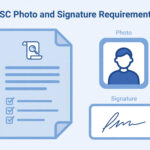
For an uploaded photograph, use a clear image with even lighting and a visible face. Check the required dimensions and file-size range. Avoid filters and excessive editing.
Signature preparation
If a scanned handwritten signature is required, write your genuine signature on the paper and in the ink colour specified by the notice. Scan it clearly and crop it without cutting off any strokes.
Check the file format, size and dimensions. Do not stretch the image. If the portal provides a sample, use it to understand the expected framing. Keep the original scan for future applications.
Thumb impression
Some bank application processes may ask for a thumb impression. The notice should specify which thumb and how the impression should be prepared. Follow the exact instruction rather than copying a method from another examination.
Use the required ink and clean paper. Make a clear impression without smudging. Scan it in even light and check that the pattern is visible. Do not crop away the edges or use heavy image editing that removes detail.
Handwritten declaration
A handwritten declaration may include exact wording supplied by the recruitment authority. Read the text carefully before writing. Check the required language, paper, pen and format.
Copy the declaration accurately. Do not paraphrase it, add extra sentences or change the meaning. If you make a mistake, prepare a fresh page. Scan the complete declaration and check that every line is readable.
Upload each item in the correct field
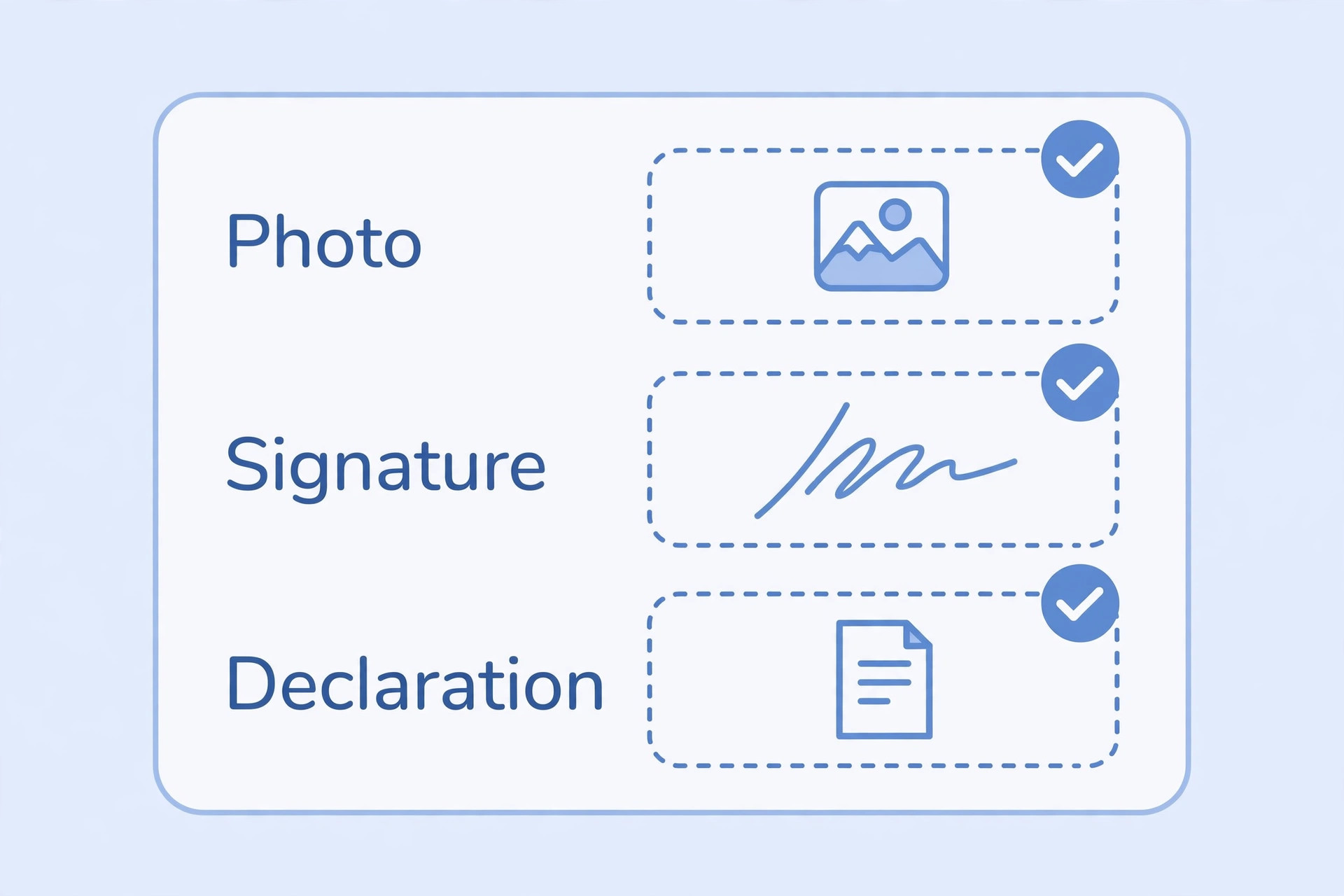
Photograph, signature, thumb impression and declaration fields are separate for a reason. Do not combine all items into one image unless the portal specifically instructs you to do so. Select the correct file for each field and review the preview.
A common mistake is uploading the photograph in the signature field or selecting an old declaration file. Use clear filenames to reduce this risk.
Check file sizes and formats
Each upload field may have its own technical limits. A photograph may accept JPG while a declaration may require a different format. The file-size ranges may also differ.
Check the actual saved file rather than relying on the editor's estimate. If compression is needed, make sure the signature, thumb pattern and declaration text remain clear. Do not simply rename a file extension to change its format.
Supporting documents and category certificates
Depending on the recruitment, candidates may need to provide category certificates, educational records or other supporting documents. Read the notice to see which documents are needed at the application stage and which are required during later verification.
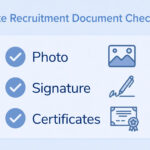
Check the prescribed format and date conditions. Do not assume that every certificate is valid for every recruitment. Upload a clear scan of the genuine document and avoid altering the contents.
Common upload errors
A portal may reject a file because it is too large, in the wrong format or outside the required dimensions. A live photo may fail because camera access is blocked. A handwritten declaration may be unclear because of faint writing or a poor scan.
Read the exact error message. Correct the specific problem and upload a new copy. If the portal continues to fail, use the official support details.
Review before final submission
Check personal information, category details, post selection and all uploaded files. Confirm that each item appears in the correct field. Review the declaration and payment status. Save the final application form and receipt.
If you notice a mistake later, check the correction rules and deadlines. Do not submit a duplicate form unless the recruitment authority permits it.
Frequently asked questions
Do all bank exams require a handwritten declaration?
No. Requirements depend on the particular recruitment. Check the current notice.
Is the thumb impression always required?
No. Upload it only when the application asks for it.
Can I use the same photograph and signature for different bank exams?
Only if the files meet the current requirements of each application and remain suitable.
Can I type the handwritten declaration?
If the notice asks for a handwritten declaration, follow that method. A typed statement may not meet the requirement.
What if the portal rejects a file that looks correct?
Check the exact format, dimensions and file size. If the problem continues, contact the official helpdesk.
Final guidance
Bank application uploads can involve several separate files, so prepare each one carefully. Read the current notification, follow the exact wording for declarations and check every preview before submitting. Do not rely on a single set of specifications for all bank examinations.
Additional practical considerations for bank recruitment uploads
A useful way to avoid confusion is to treat bank recruitment uploads as a separate task instead of mixing it with every other part of the application. First identify what the authority is asking for, then prepare the relevant file or information, and finally compare the result with the official instructions. This order matters because editing a file before checking the rules can create extra work. It may also lead to a version that looks correct but does not satisfy the upload field.
For example, imagine that you have prepared each separate field in the bank application. Before submitting it, pause and review photograph, signature, thumb impression and declaration requirements. Check whether the information is complete, whether the image or document opens correctly and whether the file still looks clear after the final export. If the portal shows a preview, compare that preview with the saved file. A preview can reveal an incorrect crop, a wrong upload field or a file that has not been processed as expected.
It is also useful to keep a small record of what you have checked. Write down the name of the recruitment, the date you reviewed the notification and the technical requirements that apply to this upload. If the authority later publishes a correction or revised instruction, check whether it changes anything. This is especially important when you apply for more than one post or when a recruitment process remains open for several weeks. Do not rely on a screenshot saved from an earlier application cycle.
When something goes wrong, avoid changing several things at once. Read the error message, identify the property it refers to and make one correction. For example, if the message concerns the file type, verify the actual format before changing dimensions. If it concerns readability, inspect the original capture before compressing it again. A step-by-step approach makes it easier to understand the cause and prevents unnecessary changes to a correct file.
Before you finish, ask yourself these questions: Does the file belong to the correct applicant? Is it the document or image requested in this field? Are all important details visible? Does it follow the current notice? Have you checked the final saved version rather than an earlier draft? These checks are simple, but they are useful because upload mistakes often happen when applicants are in a hurry.
If the instructions appear inconsistent, do not choose whichever value seems easier. Check for a later official notice, a corrigendum, an application help page or a clarification from the recruiting authority. Keep the response or reference number if you contact support. An unofficial blog or social media post can help you understand a topic, but it should not override an official recruitment instruction.
Finally, keep your original records safely. Save the unedited scan or source file separately from the version prepared for upload. This gives you a clean starting point if a correction is required or another portal asks for a different format. Use clear filenames and avoid sharing personal documents through public links. A careful file-management routine makes the application process more organised and reduces the chance of selecting an outdated version.